
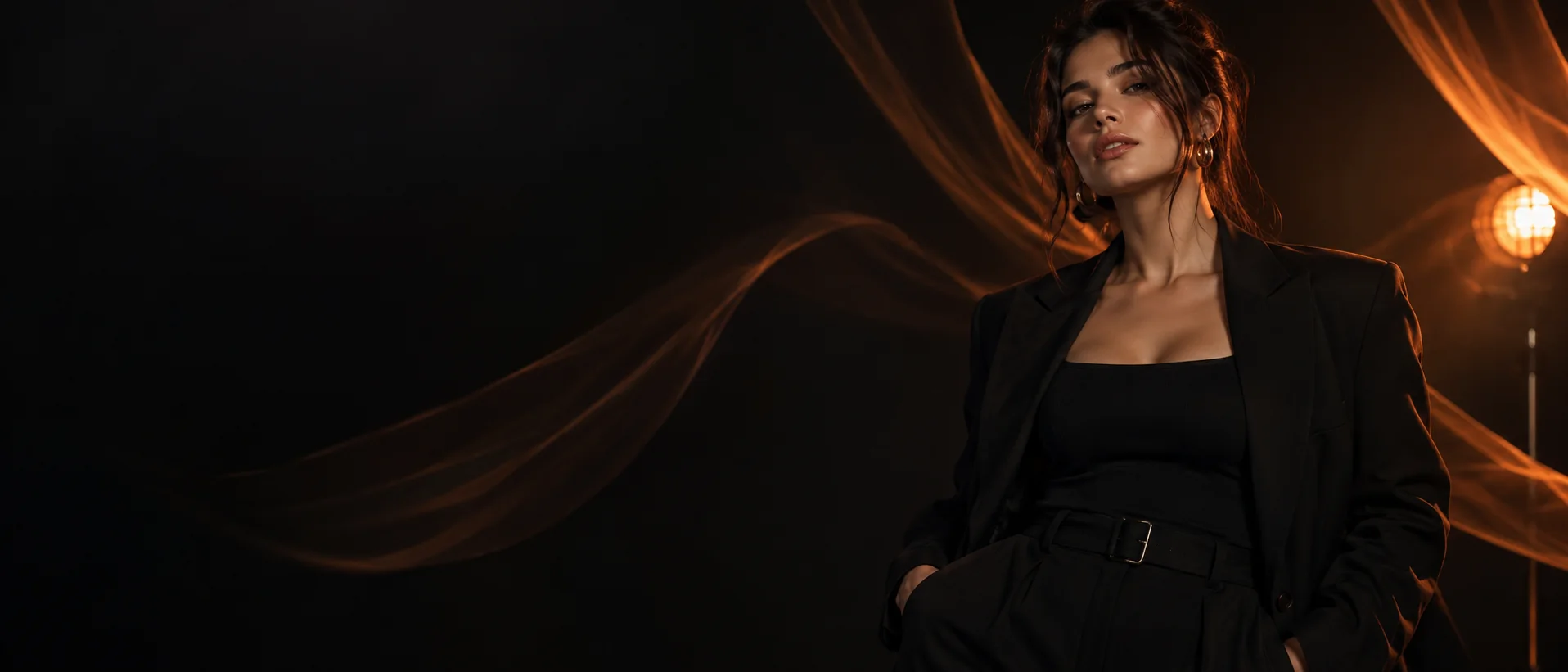
Authorized references · New portrait directions
AI selfie generator for new looks and settings.
Use a portrait you own or are authorized to use as creative guidance, then explore new lighting, wardrobe, backgrounds, framing, and visual styles.
Direct answer
What is an AI selfie generator?
An AI selfie generator creates a new portrait direction from a prompt and, where a selected model supports it, a reference image. The result is generated rather than a conventional photo edit, so likeness and details can vary and must be reviewed.
At a glance
Key facts before you generate.
- 01
Reference quality
A clear, well-lit, authorized portrait gives the model more readable facial information than a filtered or obstructed image.
- 02
Creative controls
Describe framing, expression, wardrobe, setting, lighting, lens feel, and visual style.
- 03
Generated result
The output is a new synthetic image, not a pixel-preserving edit of the uploaded portrait.
- 04
Consent boundary
Use your own image or a reference for which you have explicit permission and the necessary likeness rights.
A practical workflow
Create a portrait with intention.
- 01
Choose an authorized reference
Use a clear image of yourself or a person whose explicit permission and likeness rights you have.
- 02
Describe the new portrait
Specify framing, expression, wardrobe, background, lens feel, lighting, and overall visual style.
- 03
Choose a suitable model
Select according to the available reference controls and the realistic or stylized finish you want.
- 04
Review the likeness
Inspect facial details, skin texture, hands, accessories, and background before deciding whether to keep the image.
Creative control
A reference is guidance, not a promise.
Clear, well-lit reference images make visual information easier for a model to interpret. Avoid conflicting references or heavy filters when likeness matters.
Never upload private images or another person’s likeness without permission. Do not present generated portraits in a deceptive or harmful way.
Read responsible-use guidanceBest suited for
Portrait directions without a conventional shoot.
Style exploration
Compare wardrobe, lighting, background, and editorial treatments before choosing a portrait direction.
Fictional profile concepts
Create clearly fictional adult portraits for character planning while avoiding unauthorized real-person likenesses.
Creative self-portraits
Use your own authorized reference to explore new settings and visual styles, then review the generated likeness carefully.
Prompt pattern
A useful starting structure.
Portrait brief: Adult self-portrait based on the authorized reference, chest-up framing, relaxed expression, charcoal jacket, modern café background, soft window light, realistic 50mm editorial photography, natural skin texture.
Adapt this structure to your own idea. Model behavior varies, so treat every generation as a candidate to inspect rather than a guaranteed final asset.
Explore the workflow
Related AI creation guides.
- 01
AI character generator
Design an original character for images, short video, and voice.
- 02
Consistent AI characters
Keep recognizable traits while scenes and creative directions change.
- 03
AI video generator
Create short motion from prompts or a selected starting image.
- 04
Image to video AI
Direct the motion of a still image with a focused prompt.
Useful answers
AI selfie generator FAQ
01Can an AI selfie look like me?
A supported reference workflow can guide recognizable traits, but generated likeness is not guaranteed. Compare results and discard images that do not represent the intended person accurately.
02Can I change the outfit or background?
Yes. Describe the clothing, setting, lighting, framing, and mood you want while keeping the portrait direction focused.
03What reference image works best?
Use a sharp, well-lit image with a clearly visible face and minimal obstruction. Only upload media you have permission to use.
04Is an AI selfie the same as editing a photo?
No. The system generates a new image using your direction; it can reinterpret facial features and other details rather than preserving every pixel.
Create, compare, review
Explore a new portrait without giving up review.
Editorially reviewed: